PIM MCP Implementation Checklist for Connecting AI Agents Safely
A practical readiness checklist for defining access, human review, logging, escalation, and testing before connecting AI agents to your product information management system.
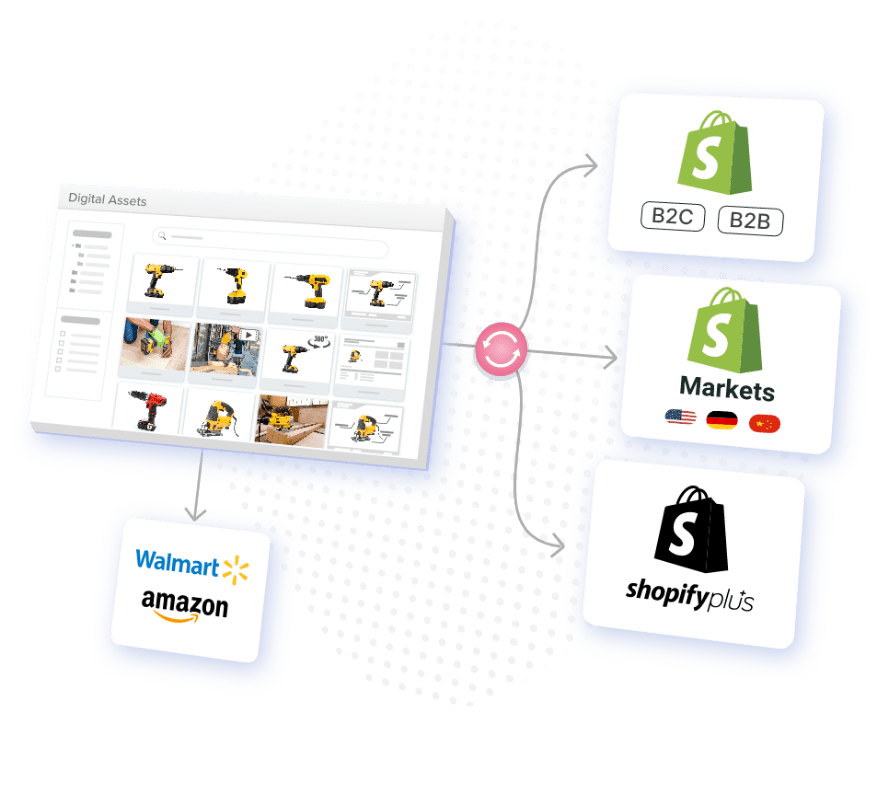
Table of Contents
Are you watching your competitors thrive while you struggle to tread water? You may be trying to keep your product information consistent across your own website, Amazon, social media stores, and others. You may find yourself battling pricing mismatches, outdated images, and availability errors.
If you’re caught between dreams of rapid expansion and the reality of what that means, you may question whether omnichannel efforts are even worth it. Without the proper systems in place, a quick scale turns into fast chaos.
The truth of the matter is that businesses achieving omnichannel growth aren’t just lucky. They’re likely leveraging sophisticated product information management technology that has transformed their complexity into an advantage.
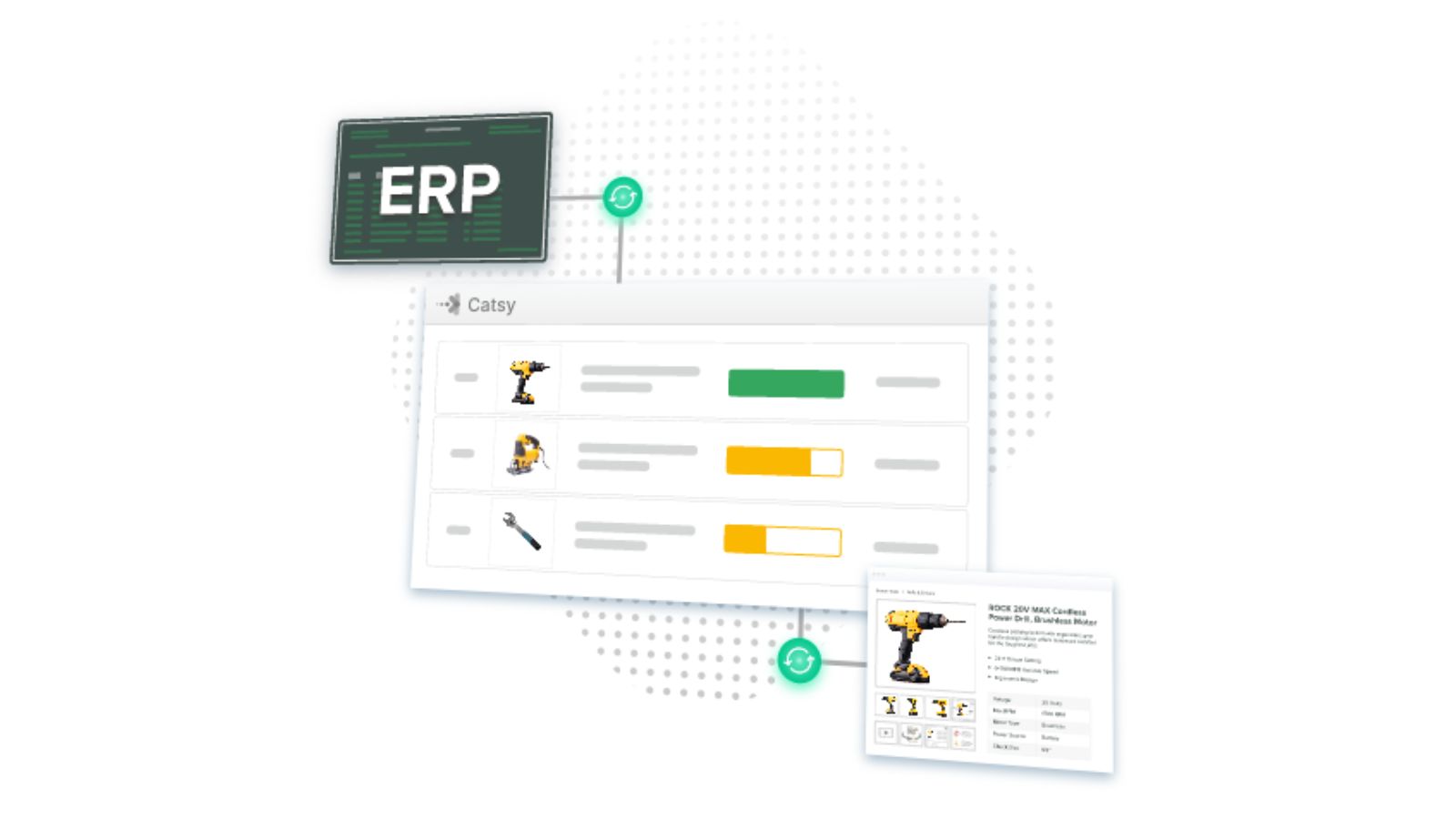
Why Platform Selection Determines Your Global Retail Success
The gap between businesses that thrive across multiple channels and those that struggle with it comes down to their approach to product information management.
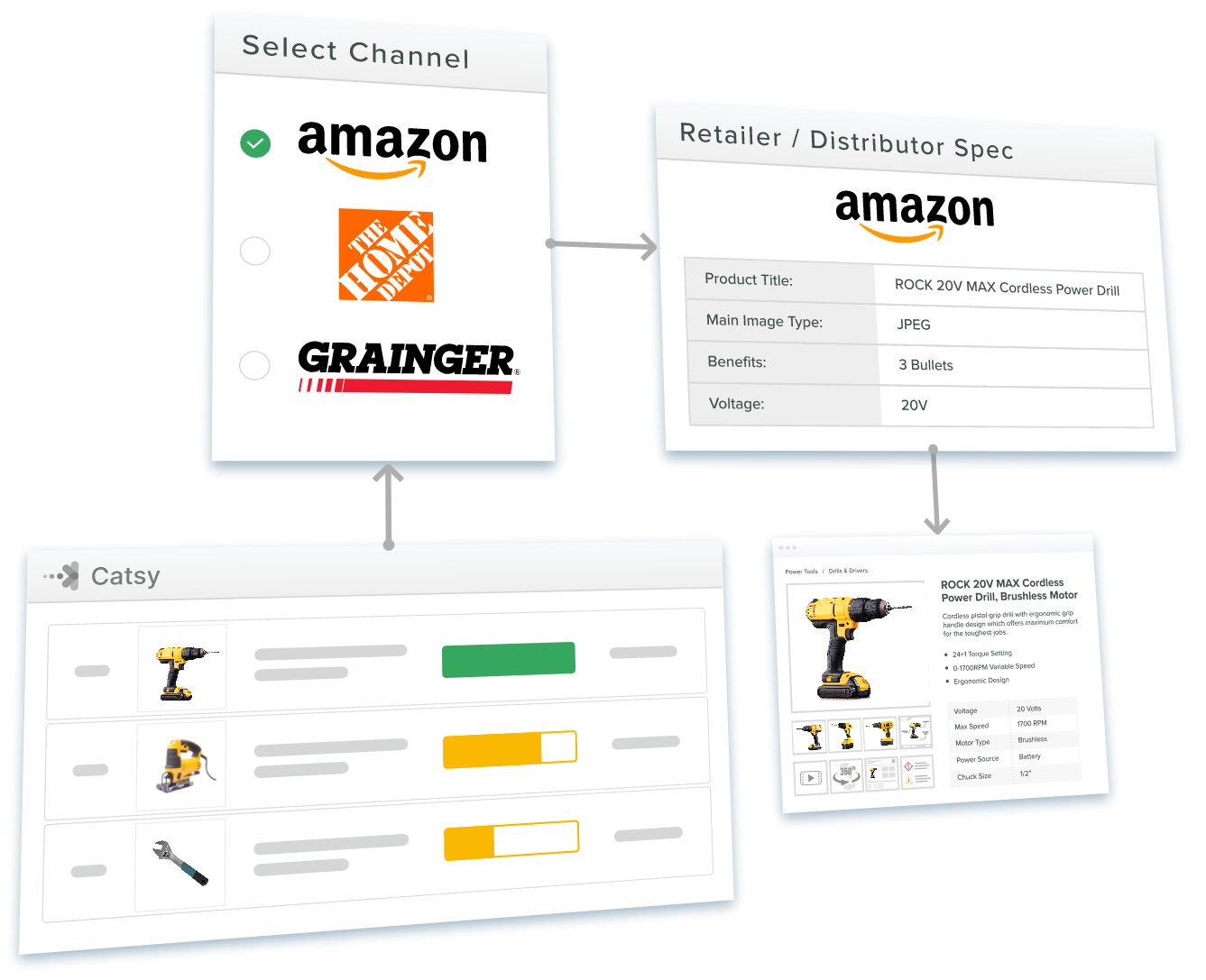
1. Disconnected Product Data Is Sabotaging Your Omnichannel Strategy and Costing You 287 Percent Higher Revenue Potential
While you manually coordinate product information across spreadsheets and platforms, integrated businesses run omnichannel campaigns that unlock revenue disconnected approaches can’t reach.
Marketers who use three or more channels in a single campaign see a 287% higher purchase rate than those running single-channel campaigns, based on an Omnisend analysis of more than 135,000 marketing campaigns. That gap has held up: more recent Omnisend research covering over 610 million messages found that campaigns using three or more channels earned a 494% higher order rate than single-channel campaigns, suggesting the multi-channel advantage has only grown since the original study.
Physical retail isn’t going away in the meantime, either. Forrester’s most recent global forecast projects that despite continued e-commerce growth, 76% of global retail sales, or $21.9 trillion, will still occur offline by 2028, which is exactly why a seamless, centralized approach to product content across both digital and in-store channels remains essential rather than optional.
Disconnected data causes inconsistencies in pricing, confusing product info, abandoned purchases, and escalating overhead as channels multiply.
How Centralized Product Information Unlocks Omnichannel Revenue Potential
Modern catalog management systems eliminate data disconnection while enabling the consistency that drives exceptional performance.
Centralized management of your data turns your scattered, error-prone processes into systematic competitive advantages.
2. Manual Catalog Management Is Creating Channel Inconsistencies That Destroy Customer Trust
Each time your customers see conflicting details, pricing, or availability, you erode their trust and lose sales. A landmark Harvard Business Review study of 46,000 shoppers found that the majority of consumers, 73%, used multiple channels during their shopping journey, and today’s shoppers commonly cross six or more touchpoints before buying. Inconsistent information, simply put, makes your business look bad.
When you scale, your manual coordination processes begin to fail. Each channel has unique formatting requirements, tech constraints, and update schedules. This makes inconsistencies inevitable when you’ve got five teams working on fifteen processes.
How Automated Catalog Management Ensures Brand Consistency
Managing your product information systematically eliminates the challenges that come with human error and coordination.
An automated system takes your channel management from nightmare to a strategic advantage that builds consumer confidence and drives conversion.
3. Poor Product Information Synchronization Is Limiting Your Expansion Into Profitable New Channels
Is your team spending weeks setting up each new sales channel manually? Your competition isn’t. Businesses with systematic approaches can launch in just days, capturing advantages and opportunities that your manual processes miss.
E-commerce channels are ubiquitous, and this creates both unprecedented opportunities and operational challenges. Emerging platforms like social and voice shopping require different data, compliance, and formatting. The channel count itself keeps climbing: even in B2B, buyers now use an average of ten channels across the purchasing journey, up from just five in 2016, and expect seamless movement among them, according to McKinsey’s most recent B2B Pulse survey.
Without automated synchronization, each new channel becomes a major project that requires significant overhead. This limits your ability to test and expand into profitable new opportunities.
How Systematic Synchronization Enables Rapid Channel Expansion
Advanced PIM software and omnichannel growth capabilities reconstruct your expansion efforts from complex processes to strategic opportunities.
Systematic syncing allows for aggressive testing and expansion strategies. You’ll capture market opportunities while your competitors struggle with their manual processes. For a closer look at what this looks like in practice across specific platforms, see our guide to content syndication for e-commerce.
4. Customer Experience Fragmentation Is Driving Shoppers to Competitors With Seamless Experiences
Modern consumers shop with convenience, value, and experience in mind. They don’t just shop the channels.
When your product information differs across touchpoints, it creates friction that pushes consumers toward your competitors. Companies with strong omnichannel strategies see meaningfully faster annual revenue growth than those with weak omnichannel strategies, according to Aberdeen Group research (originally published in 2013, and still one of the most frequently cited benchmarks on the topic): an average 9.5% year-over-year increase in annual revenue for top omnichannel performers, compared with 3.4% for the rest. More recent research shows the same pattern holding: a 2024 Forrester study commissioned to examine omnichannel outcomes found that 46% of businesses reported increased customer lifetime value as a direct result of genuine omnichannel engagement.
Fragmentation happens when mobile and desktop experiences differ, your social posts don’t match your website info, in-store staff lack the details customers see online, or checkout processes vary across channels.
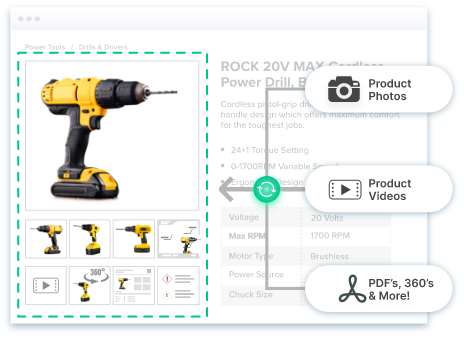
How Unified Customer Experiences Drive Loyalty and Growth
Integrated catalog management creates consistent, high-quality experiences that build customer confidence and drive superior business performance.
Unified experiences will convert even the most casual browser into a loyal customer. That customer becomes a brand advocate, driving word-of-mouth marketing and accelerating sustainable growth.
5. Without Scalable PIM Infrastructure, Your Omnichannel Growth Hits an Operational Ceiling
The most successful omnichannel retailers have infrastructure that was designed for expansion without adding resource strain. Manual efforts and siloed channel management may be fine for just three channels. But under the weight of ten, your systems collapse.
Research consistently shows true omnichannel strategies drive results, and the gap between leaders and laggards keeps widening rather than closing as more channels come online.
How Scalable Infrastructure Enables Unlimited Growth Potential
Modern PIM for omnichannel retail platforms provide the foundation for expansion your business needs to grow efficiently.
Scalable infrastructure makes complicated expansion easy, turning your challenges into advantages. If you’re evaluating what a modern platform actually needs to support, our breakdown of PIM tools built for omnichannel retail is a useful next step, as is our guide to channel distribution strategy for teams planning their next expansion.
Transform Channel Chaos Into Systematic Competitive Advantage
The gap that exists between omnichannel leaders and those who fall behind isn’t market conditions. It’s systematic product information management that makes multi-channel listing profitable.
Each day spent battling manual inconsistencies is a day that your competitors edge ahead. The answer lies in PIM software.
Catsy’s comprehensive omnichannel platform delivers the systematic capabilities that successful businesses leverage:
Your omnichannel success is too important to leave to spreadsheets. Choose a platform built for product content management that makes exceptional experiences systematic and scalable, a system like Catsy.
Key Takeaways
Make Catsy an Extension of Your Team
Your omnichannel success is too important to leave to spreadsheets. Book a free demo to see how Catsy’s PIM and DAM platform turns channel chaos into a systematic, scalable advantage.