Integration Architecture · AI & PIM

PIM MCP vs API: Which Product-Data Connection Fits Your Workflow

MCP and APIs solve different product-data problems. A decision framework for choosing the right connection for each PIM workflow.
Ceejay S Teku • September 4, 2026
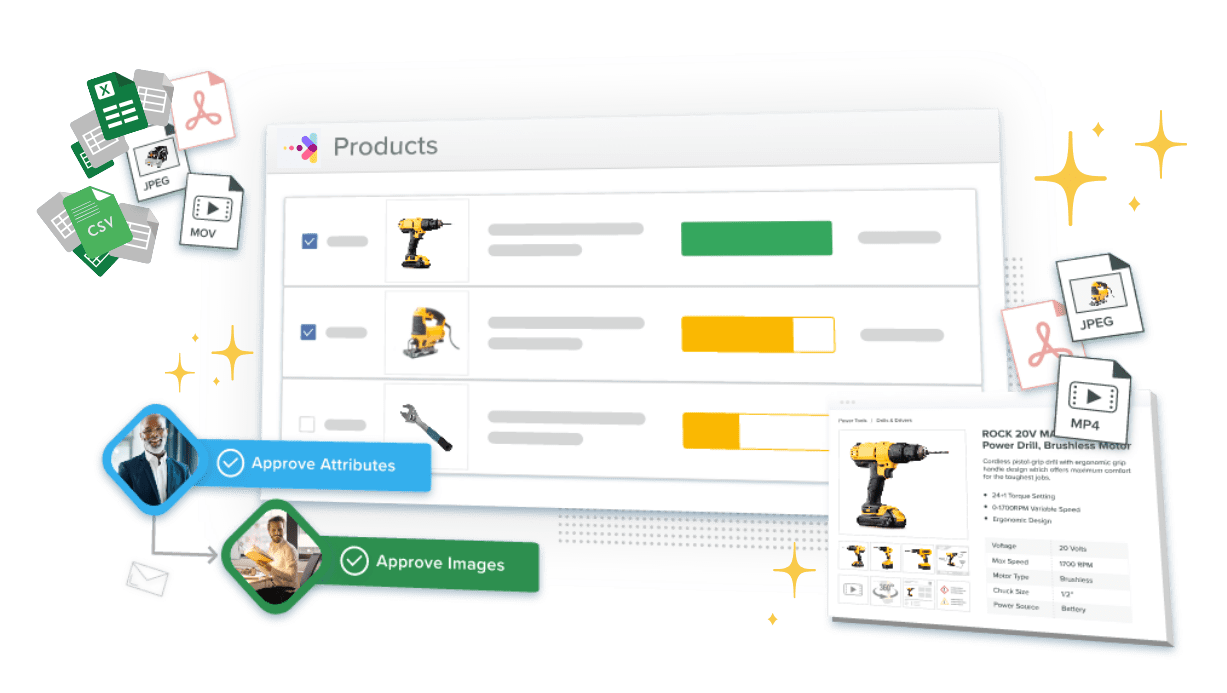
Catsy PIM connecting to ERP and channels through simple, governed API syndication

Choosing between PIM MCP and an API is not a showdown between two technologies. It comes down to what you’re building. Model Context Protocol and regular APIs are not competing for the same job. They are built for different callers with different needs. That’s why most companies handling product data end up using both instead of picking one.

This article walks through how to make that call. Start with your workflow, compare the two options based on what actually matters for your setup, and you’ll usually find spots where you genuinely need both at once.

In this article, you’ll learn:
✓Why the real starting question is “what kind of workflow is this,” not “which technology is newer”
✓How MCP and APIs differ across the areas that actually affect an integration decision
✓Three real examples of PIM MCP vs API: a readiness check, a retailer feed sync, and a draft that needs review
✓Where one system may need both an API and an MCP connection running together
✓How this fits with the governance steps in Catsy’s MCP implementation checklist

Start With the Job, Not the Tool

Before you ask “MCP or API,” ask what the job actually needs to do. Most cases fall into four types:

Requires reasoning:

A person asks a normal question and wants a real answer, not raw data. For example, “Which products are missing a required detail?” For this, you need an AI that can look at the situation and figure out the answer. This is where MCP fits.

An AI has to decide its next move as it goes, changing its plan based on what it just learned. There’s no fixed set of steps here.

Doesn’t require reasoning:

Two systems trade data the exact same way every time: same address, same format, no changes. There’s nothing to decide.

A large batch of records moves from one system to another on a schedule or trigger, with no individual record needing attention. This is a speed-and-volume job, so a PIM with solid API connections handles it well.

So here’s the simple difference: Questions and step-by-step decisions go to MCP. Predictable, repeated data movement goes to a regular API.

MCP and APIs Compared Across Six Areas

Once you know the job type, here are six areas that show why these two work so differently in real use.

AreaTraditional APIMCP
Who uses itA developer writing code against a fixed setupAn AI deciding what to call and when
How it runsA set sequence of calls, decided ahead of timeThe AI finds and picks tools while it’s running
Handling contextEach call stands alone; the caller sends all the needed info itselfThe connection sets up what’s available once, then the AI reasons across several calls in that same session
Repeat resultsSame input, same resultThe AI’s tool choice can change from call to call since it is reasoning instead of following a fixed script
Access controlBuilt into the endpoint itself: tokens, scopes, rate limitsHas to be built by whoever sets it up; the protocol doesn’t handle consent, review, or logging on its own
Handling changesA breaking change means updating every system that uses that endpointA new tool can be added and found by the AI without a coordinated release, though it still needs testing

One thing worth knowing about “handling context” is that MCP’s actual messages are self-contained JSON-RPC 2.0 requests. It’s the same basic format used in a lot of regular API tools. So the real difference is the session, plus what the AI has already figured out and remembers using.

One study comparing the two put it simply: REST is built for the caller driving fixed request-and-response steps, while MCP is built for AI-driven sessions where the tools get worked out as it goes. This matches the pattern from before. Fixed steps suit an API, while tasks that require judgment calls suit MCP.
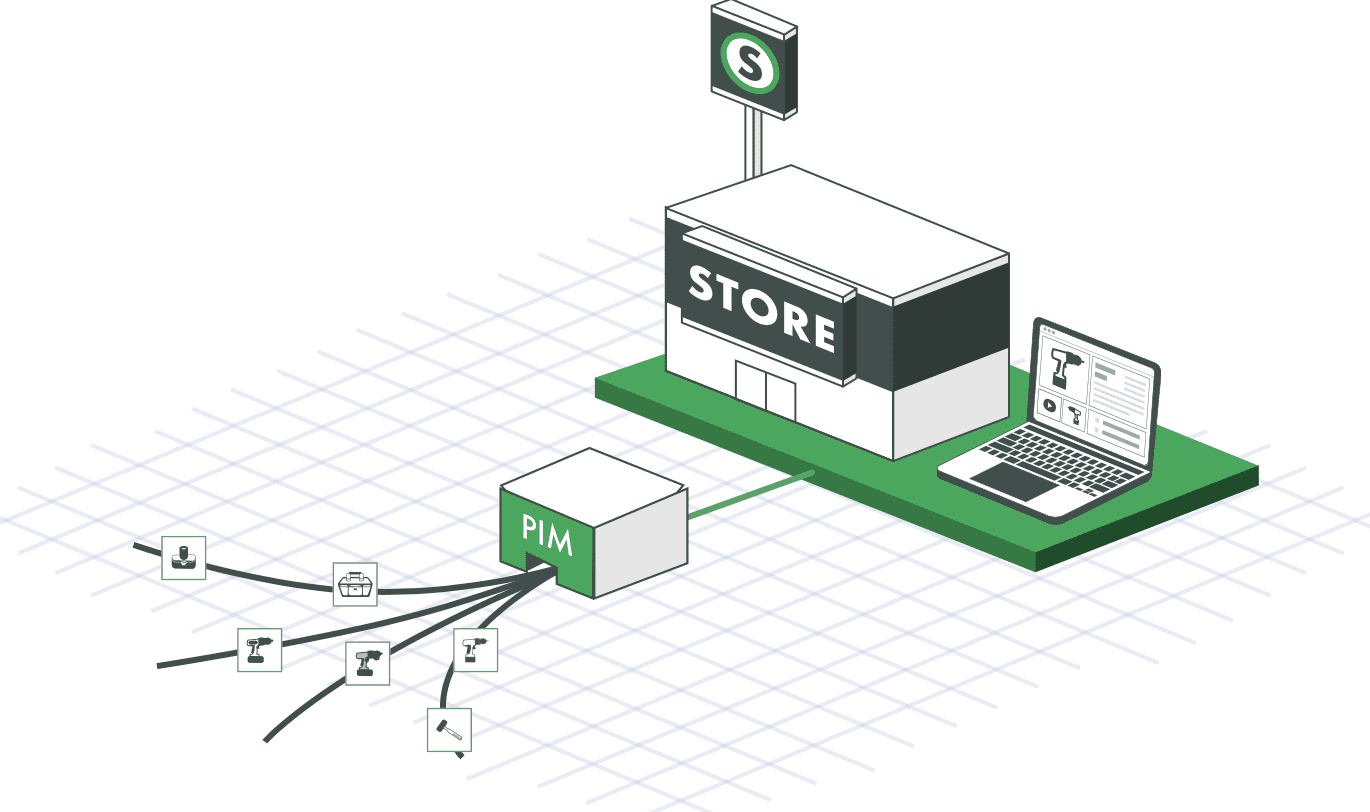
Chart showing increased SKU coverage for retailers using a PIM system
A centralized PIM feeding structured product data out to the tools and channels that need it — the foundation either an API or an MCP connection draws from.

Three Real Examples of MCP and APIs

Here are three that come up all the time in PIM work.
A readiness check. A product manager wants to know which products in a line are missing a required certification before launch. This is a normal question that needs a real answer, not a fixed report, and the exact details can change depending on the product type, especially for manufacturers managing regulated or technical catalogs. This fits MCP because an AI can look at the readiness rules and give a specific answer instead of a generic report.
A retailer feed sync. A distributor needs to send updated pricing and stock numbers to a retailer’s system every night, on a set schedule, in a format the retailer has already agreed to. There is no judgment or decision-making needed here because it has to run the same way every time, at scale. Here, failures are handled predictably. That’s why this is API territory. It is a scheduled, high-volume connection between two systems that both need accurate records.
A draft that needs review. A team wants an AI to write a product comparison or a fuller description using data that’s already approved. A person will check it before it goes live. This is the same setup behind Catsy’s MCP integration with HubSpot. This falls between the other two examples. Writing the draft benefits from MCP reasoning through the context, but the data it pulls from should already come through a solid, predictable API connection. Publishing should stay a separate step that a person intentionally approves, not something the AI does on its own.
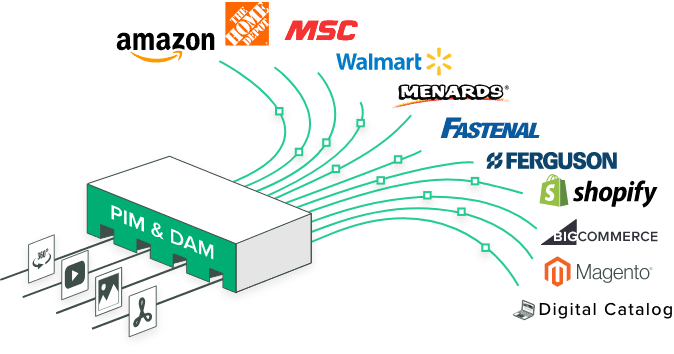
Catsy PIM distributing product data out to multiple retailer and distributor sales channels
A nightly retailer feed sync pushes the same pricing and stock data to the same channel destinations on a fixed schedule — precisely the kind of predictable job an API is built for.

Where One Workflow Needs Both

So, will you need both? Yes. In fact, this setup is fairly common. It’s what a well-built system normally looks like: an API for the main data connection and MCP for the part where a person or AI interacts with it.

The API remains the foundation. Stock levels, price updates, and bulk data syncs run through a fixed setup that can be tested and checked because that’s what those jobs need. MCP sits on top of this and handles the parts that benefit from AI reasoning through data the API has already pulled in. A few examples include answering a readiness question or writing a draft for review.
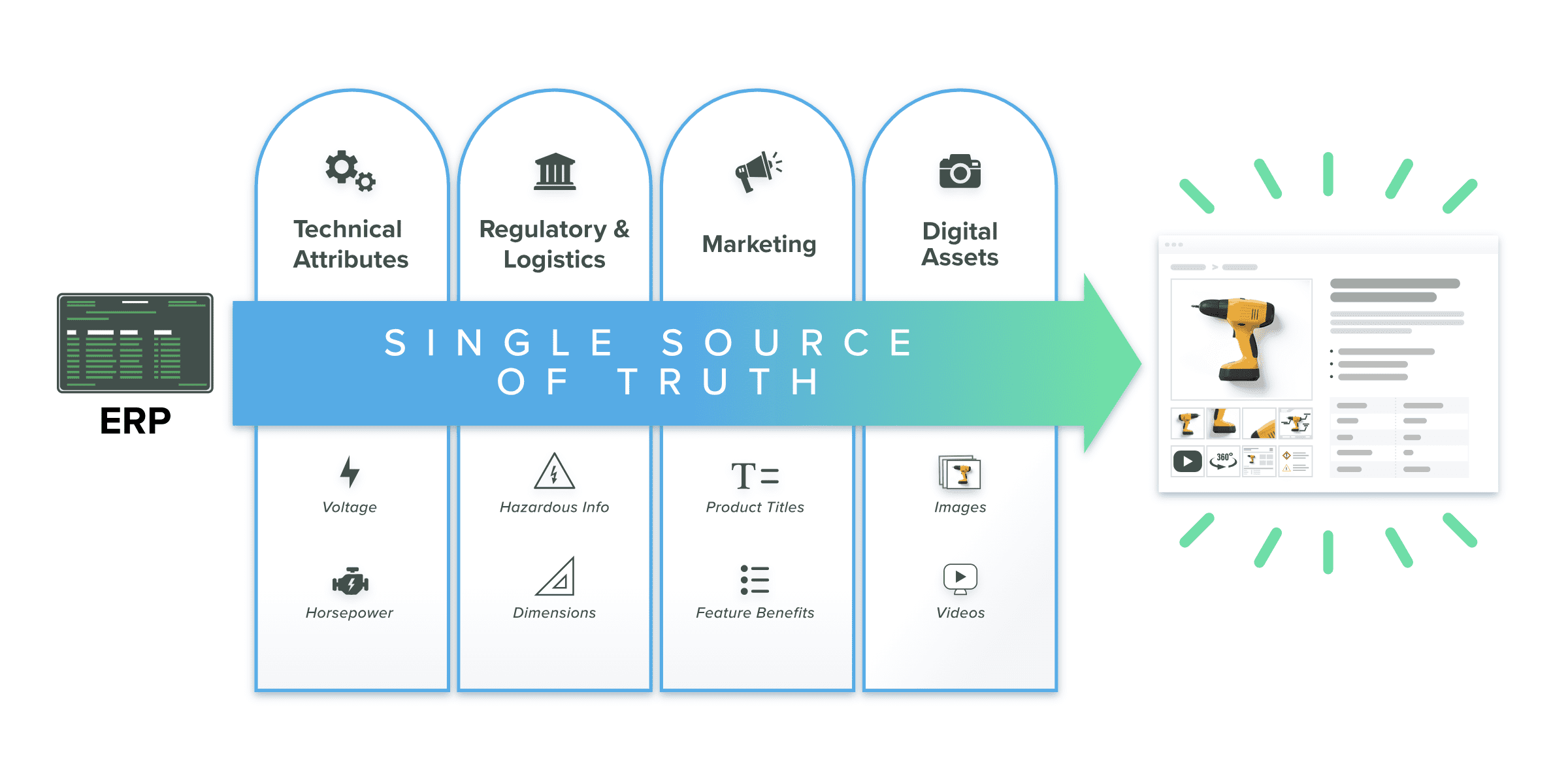
Diagram of a PIM as single source of truth, moving product data from ERP through to the product detail page and eliminating data silos
An API and an MCP connection can both draw from the same governed source of truth — one moving data on a fixed schedule, the other reasoning over it for a person or agent.

In this case, don’t treat it as an either-or choice. When you force a high-volume, repetitive sync through an AI that reasons through every record, it can be slow and unnecessary. At the same time, don’t force a judgment-based task into a fixed API setup that can’t handle what it wasn’t built for. A solid, well-managed data foundation under both is what makes either one reliable, since neither an API nor an MCP session can give a good answer from unchecked data.

Where This Fits With the MCP Implementation Checklist

This article covers a different question than Catsy’s PIM MCP implementation checklist. That checklist assumes MCP is already the right choice and walks through access, review, logging, and escalation decisions. This article comes before that step, helping you decide whether MCP is actually the right fit for the workflow or whether a regular API would do the same job more reliably.

The same applies to Catsy’s Shopify MCP coverage. It assumes an agent-facing storefront workflow has already been chosen.

Unified PIM and DAM platform managing product attributes and digital assets in one system
Deciding whether a workflow needs MCP, an API, or both is worth settling as a team, before the governance work in Catsy’s implementation checklist begins.

The same idea applies to how a workflow connects to the product information management system behind it. A high-volume, repetitive sync stays fast and reliable when it runs through that system’s own API which is the same foundation an MCP reasoning layer should build on, not replace.

Key Takeaways

01. Start with the workflow type. Human questions and AI decision-making point to MCP. Fixed integrations and bulk syncs point to a regular API.
02. The two differ across six areas that actually matter: who uses it, how it runs, how it handles context, whether results repeat, how access is controlled, and how changes are managed.
03. MCP messages are technically self-contained JSON-RPC requests, similar to normal API calls. What actually carries over across a workflow is the session and the AI’s own reasoning, not a totally different message format.
04. A readiness check fits MCP. A retailer feed sync fits an API. A draft that needs review usually needs both.
05. Most solid integrations use an API for the main data connection and MCP for the layer where a person or AI interacts with it, rather than using one instead of the other.
MCP + API Integration

Choose the Right Workflow

If your team is trying to decide whether a product-data workflow needs MCP, an API, or both, the decision usually comes down to whether the task involves judgment or predictability, not which technology is newer. To help you decide, Catsy’s Connection-Decision Matrix maps the workflow types, comparison dimensions, and examples in this article into a single reference you can apply to your own integrations. Request a demo to see how Catsy supports both API and MCP connections side by side, or browse Catsy’s PIM and DAM resource center for more on choosing the right integration architecture.


FAQs

No. MCP is often built on top of existing APIs rather than replacing them. A deterministic, high-volume integration, like syncing inventory to a retailer’s system, is usually better served by a traditional API, while MCP fits tasks that genuinely benefit from a model reasoning over context.

When the task involves a human-language question with a synthesized answer, or an agentic task where a model needs to decide which tool to call based on what earlier steps returned. Fixed, predictable, high-volume data movement is usually better served by an API.

It’s more precise than that binary suggests. MCP’s individual protocol messages are self-contained JSON-RPC requests, similar in structure to many API calls. What persists across an MCP workflow is the negotiated session and the model’s own reasoning across multiple calls, not a fundamentally different message format.

Yes, and this is common in practice. A typical pattern uses an API for the deterministic system-of-record connection, like syncing attributes or inventory, with MCP layered on top for the human or agent interaction that reasons over that already-synced data.

A nightly retailer-feed sync that pushes pricing and inventory in a fixed format on a fixed schedule. There’s no judgment involved and no benefit to a model reasoning about it. A deterministic API integration handles this more predictably and at greater scale.

SHARE