Free Generative AI Tools for Products: Essential Solutions for 2026
Compare free generative AI tools for products in 2026, from ChatGPT, Claude, Gemini, and Canva to Catsy’s free PIM DAM AI tools for catalog content.
Table of Contents
Key Terms to Know
Product teams can now write descriptions, generate images and research competitors with free AI tools that didn’t exist a few years ago. ChatGPT, Claude, Gemini and Canva all offer no-cost tiers worth using for everyday product content work.
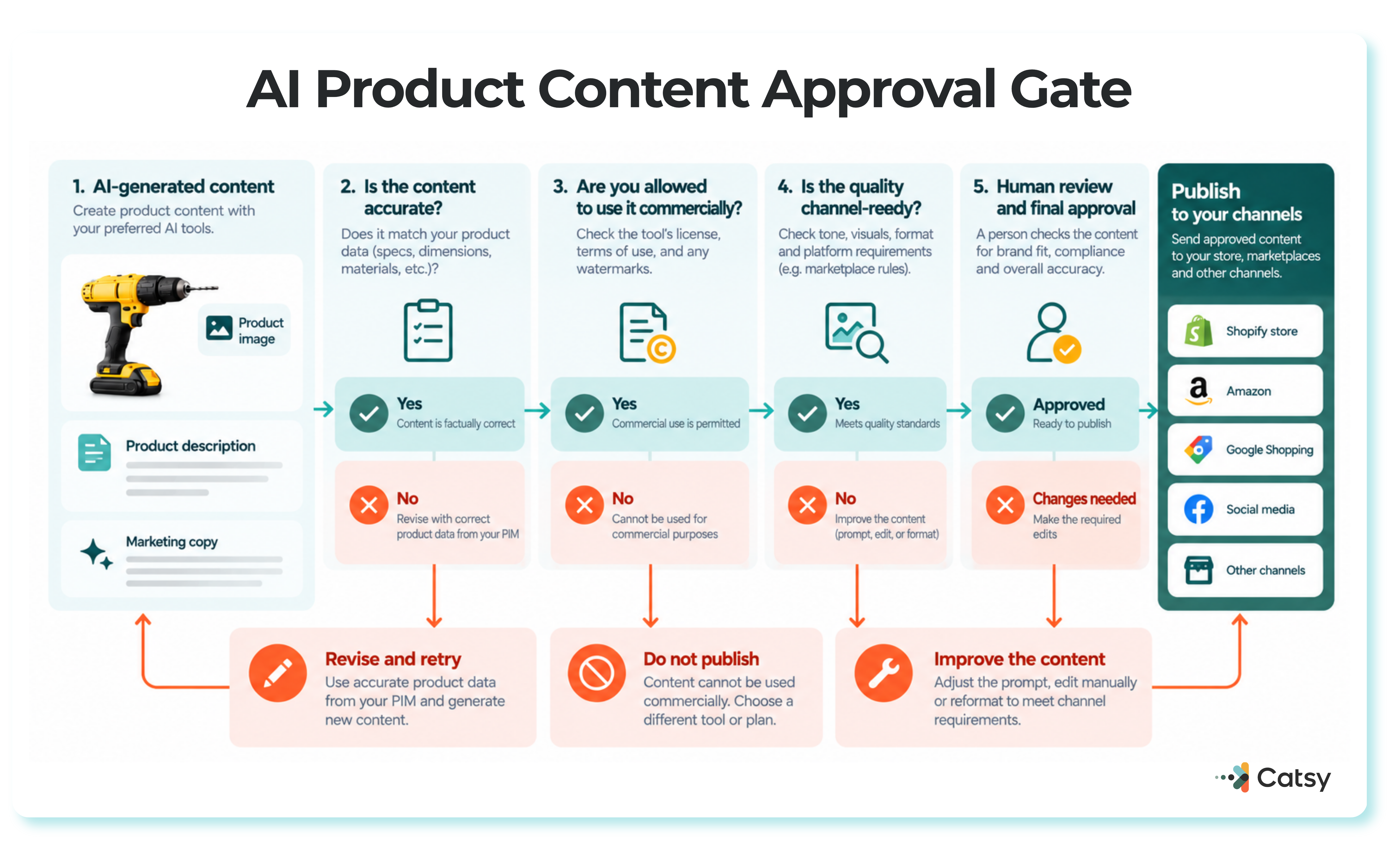
None of these tools knows your products as well as your own catalog does. This guide covers the free generative AI tools worth using for product content in 2026, what their free tiers actually include, and where the work still needs to land: in a central system that checks what the AI produced, keeps a record of who approved it, and sends it to every sales channel. That last part is the job of a product information management (PIM) system, the central place where product data is stored, checked, and sent to every sales channel.
What “Free” Really Means
Most of these tools use a freemium model: a usable free tier sits alongside paid plans with more usage or more capable models. Google Cloud’s own free AI tools page is explicit about this pattern, offering $300 in free credits alongside always-free usage limits on select products, a structure most of the vendors in this guide mirror in some form.
Adoption has moved fast. In McKinsey’s State of AI report published in November 2025, 88% of respondents reported regular AI use in at least one business function, compared with 78% a year earlier, even though only 7% of leaders said their organization’s AI efforts had reached full scale.
The tools themselves keep shifting too. In October 2025, Grammarly rebranded its parent company and introduced an assistant called Superhuman Go, folding email and writing assistance into one brand.
Free AI Tools Worth Knowing in 2026
Here’s where the free tiers stand for the jobs product teams care about most:
| Job | Tool | Free plan | Watch out for |
|---|---|---|---|
| Copy | ChatGPT | Free, with separate image limits | Image generation has its own cap, separate from chat |
| Copy | Claude | Writing, image analysis, web search | More usage and more models require a paid plan |
| Research | Perplexity | Free Standard plan | Very limited Pro Searches and no image generation |
| Research and images | Google Gemini | Nano Banana 2 image model, free | Visible and SynthID watermarks on images; users must be 18+ |
| Graphics | Canva | Up to 20 AI uses a month | Background removal is a Pro feature |
| Video | Runway | 125 one-time credits | Credits do not refresh each month |
| Video | Synthesia | 10 minutes and 9 AI avatars | Every free video carries a watermark |
| Video | Pictory | 14-day free trial | A trial, not a permanent free plan |
| Audio | Suno | Free plan | No commercial rights on free output |
Before you pick a tool, check four things:
The job comes first. A tool that’s great at video is wasted on copywriting.
Commercial rights. Canva’s AI Product Terms allow commercial use of what you create; Suno’s free plan does not.
How limits reset. Canva’s allowance renews monthly, Runway’s credits are one-time, and ChatGPT’s image cap resets separately from its chat limit.
Watermarks. Gemini and Synthesia both mark their free-tier output.
Product Copy
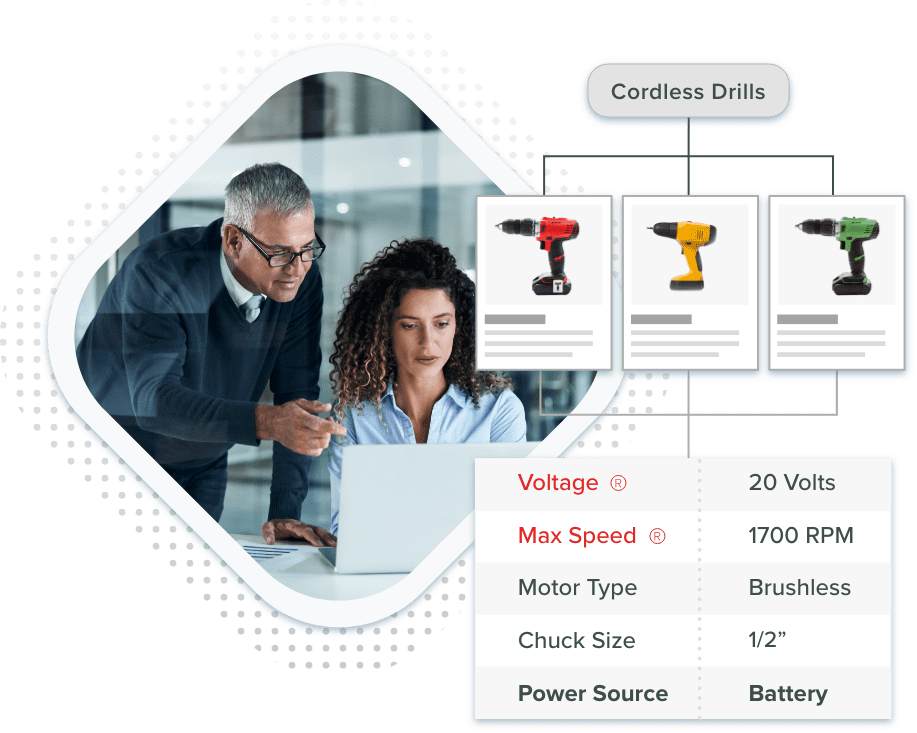
ChatGPT and Claude are both strong at turning a list of features into benefit-led copy, as long as you feed them something to work from. The best results come from pasting in structured attributes straight out of your PIM rather than asking the model to invent specs it has no way of knowing.
Product Visuals
OpenAI opened DALL-E 3 image generation to free ChatGPT users in August 2024, capped at two images a day. Since then, ChatGPT’s image tools have moved fast: ChatGPT Images 2.0 arrived April 21, 2026, and Images 2.5 followed September 8, 2026, available on every tier and including product-photo templates.
Google’s Imagen 3 is known for rendering text accurately inside images, and Gemini now runs on the newer Nano Banana 2 model, which carries both a visible watermark and an invisible SynthID watermark. Canva’s AI Product Terms permit commercial use of AI-generated graphics, though background removal and AI-generated backgrounds are Pro-only features.
Use AI images for lifestyle shots and banners, and keep your main product photography real, stored in a proper digital asset management library rather than scattered across local drives.
Research, Video, and Audio
Perplexity’s inline citations make it a quick way to research what competitors say about a category before writing your own copy. Gemini can describe a product from a photo alone, though Google restricts this feature to users 18 and over. Runway’s free credits yield roughly 25 seconds of Gen-4 Turbo video, enough for a short product teaser but not a full demo reel.
Catsy’s Free Tools for Catalog Work
General-purpose AI tools weren’t built for catalog data, which is why Catsy offers its own free PIM DAM generative AI tools aimed specifically at that work.
Available to try now:
Smart Product Content Creator: generates product descriptions and marketing copy directly from your catalog’s own attribute data.
Dynamic Attribute Assignment Tool: maps incoming product data to the right attributes automatically, cutting manual tagging work.
Smart Data Type Converter: reformats product data between the types different systems and channels expect.
Listed as coming soon:
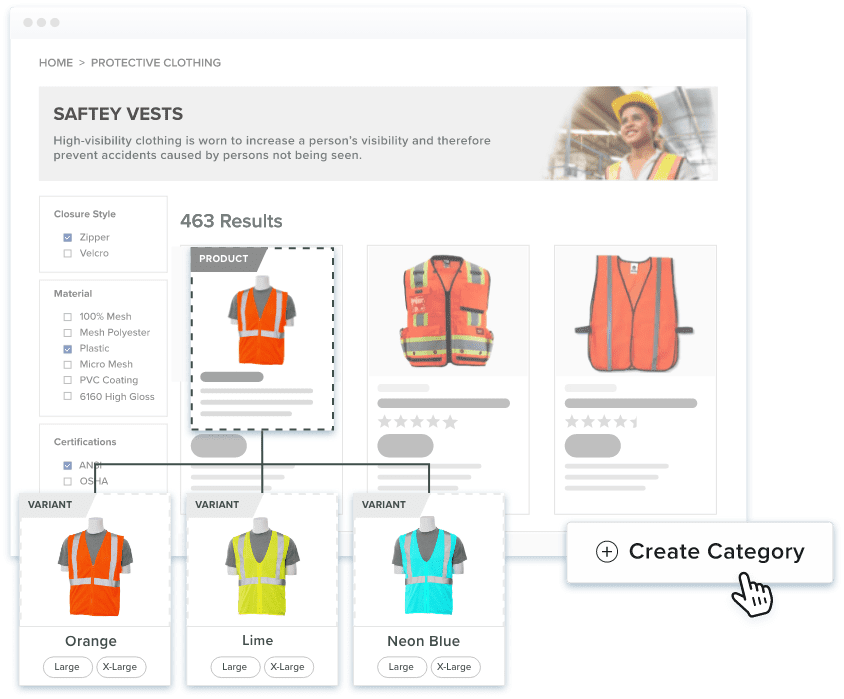
Bulk Product Categorization Tool: sorts large batches of products into categories automatically.
Intelligent Product Data Scraper: pulls structured product details from supplier sites and documents.
Automated Alt Text & Tag Generator: writes alt text and tags for product images at scale.
Why the PIM Belongs in the Middle
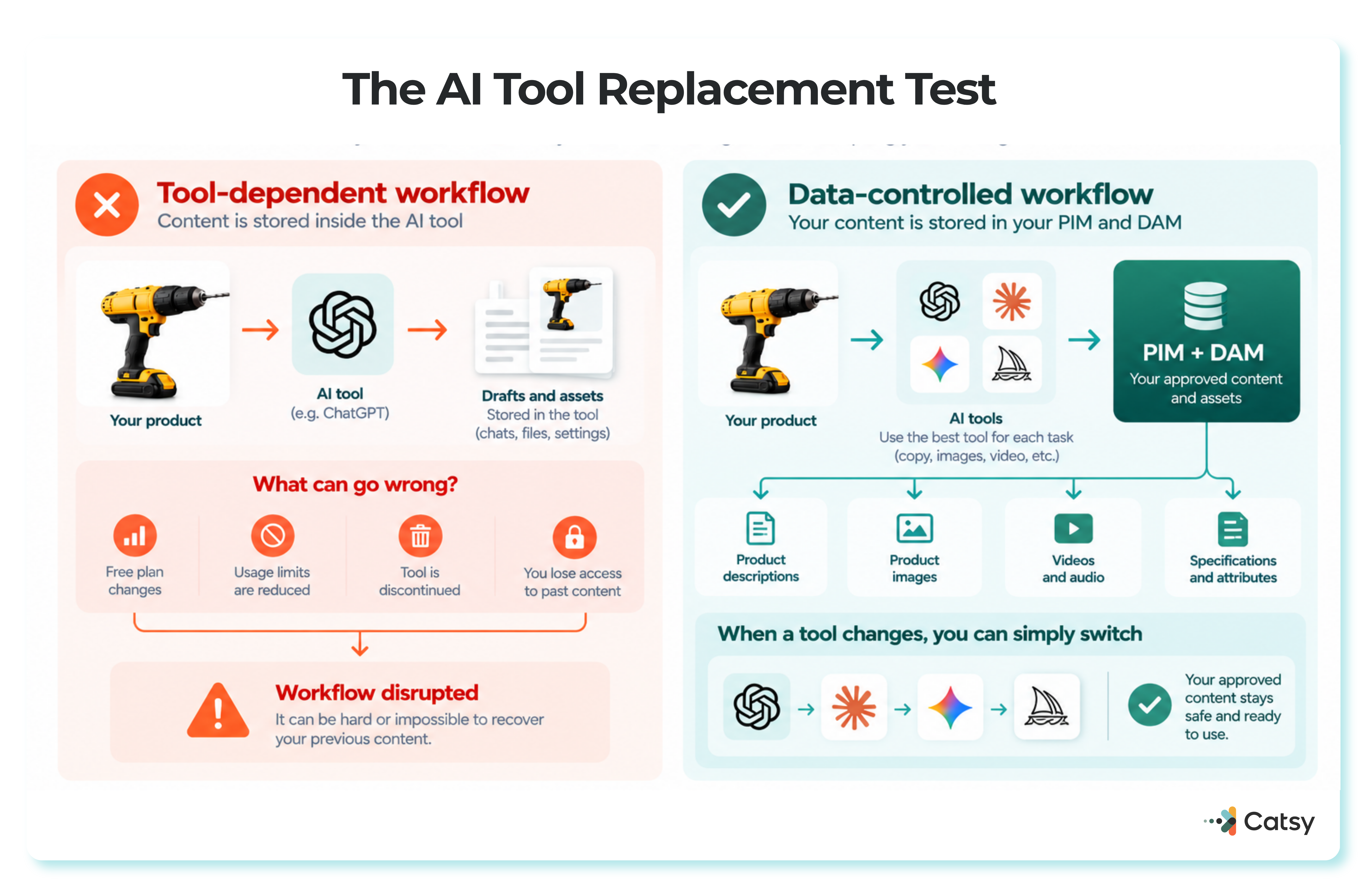
AI drafts pile up fast once several people start using these tools, and without a central system to collect them, good content ends up scattered across chat histories, local folders and someone’s downloads folder.
A PIM checks AI-written content before it goes live, keeps version history and approvals, and publishes it to every sales channel from one place. A Shopify PIM keeps your storefront synced automatically, while marketplaces like Amazon need their own Amazon-ready exports formats to accept that same content.
A Simple Workflow
Free allowances stretch further than they look once you plan around them: Canva’s monthly reset means timing bigger batches of graphics right after it refreshes rather than running dry mid-month.
Keep a Person in the Loop
Review habits haven’t kept up with adoption. McKinsey’s March 2025 survey found that only 27% of respondents said their organization reviews all AI-generated content before use. Never paste confidential data into public AI tools; our guide to data governance covers why that matters for product data specifically.
Nothing marked “AI-generated” in your PIM should go live until a named person has approved it.
AI Shopping Assistants Read Your Data
AI agents don’t browse a storefront the way a person does. They read structured feeds, and two developments in 2025 made that explicit:
OpenAI’s Agentic Commerce Protocol requires merchants to provide a secure, regularly refreshed feed, in CSV or JSON, containing identifiers, descriptions, pricing, inventory, media and fulfillment options.
Gartner predicts that 40% of enterprise applications will include task-specific AI agents by 2026, up from less than 5% in 2025.
A missing attribute can make a product disappear from an AI agent’s answer entirely, even if the product page itself looks fine to a human shopper. Our breakdown of what AI agents see in a Shopify catalog walks through this in more detail, and Gartner’s 2025 Market Guide for PIM Solutions frames the same shift: digital commerce is pushing companies to improve how they create, maintain and publish product information.
Planning Ahead
Treat individual AI tools as replaceable and your PIM as the foundation that outlasts whichever chatbot or image generator is popular this year. If you’re still comparing platforms, our guide to the four main types of PIM platforms is a good starting point, and smaller catalogs may want to start with our PIM for small business guide instead.
Whichever tools you adopt, check commercial rights before you publish anything they generate.
If your catalog is outgrowing a patchwork of free AI tools and spreadsheets, book a demo to see how Catsy’s free PIM DAM AI tools fit into the workflow above.