How to Find Keywords that Sell Products: Keyword Research for SEO
Learn how to find keywords that sell products, match buyer intent, improve product pages, and measure results across your ecommerce catalog.
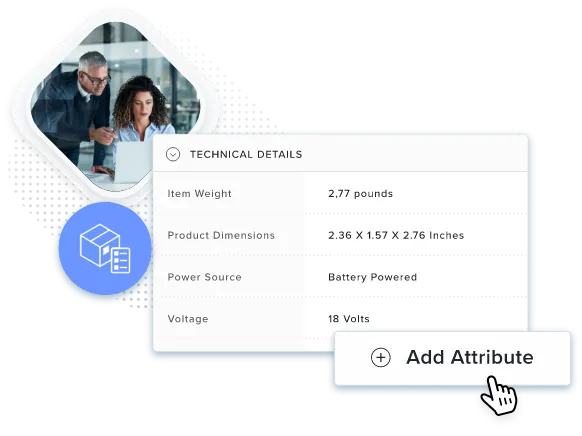
Table of Contents
Someone searching for “valves” may be browsing. Someone searching for “1/2 inch stainless steel ball valve” has a clearer requirement. Both searches can support sales, but they need different information.
Finding keywords that sell products means that you understand buyer language, choose suitable pages, and check whether visitors become customers.
Start with what customers ask. Then compare search demand, review competing results, and make sure your pages accurately describe what you sell.
Key Terms to Know
Start With Buyer Language
Keywords are words and phrases people enter into search engines. Buyers may search by size, material, compatibility, or application rather than your internal product name.
Two common groups are:
Useful keyword research for SEO connects those searches with accurate product information. A specific phrase helps only when the product meets the requirement.
Match the Search to a Suitable Page
Search intent is the purpose behind a search. It helps you decide what information a visitor expects.
| Intent | Example | Possible page |
|---|---|---|
| Informational | “how to measure hydraulic hose” | Guide |
| Commercial | “best stainless steel ball valves” | Comparison or category page |
| Transactional | “1/2 inch stainless steel ball valve” | Product or category page |
| Navigational | “Catsy login” | Homepage or portal |
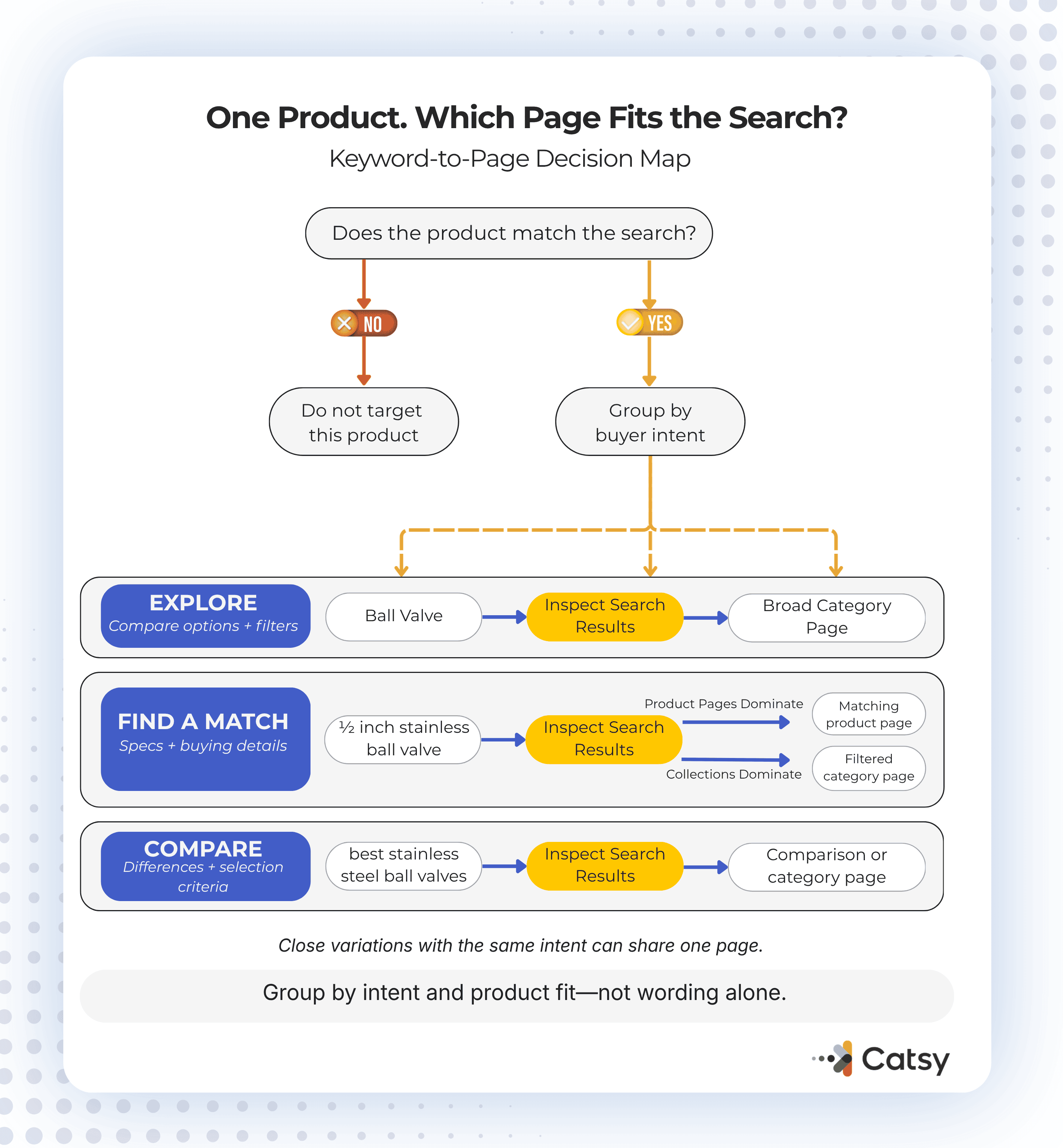
Treat these as starting points. You can go ahead and search the phrase and inspect the results. If category pages dominate, then a single product page may not be the best match.
You can also use category pages to help buyers compare suitable items and use product pages to explain individual specifications and purchasing details.
Find Ideas in Customer Records
To learn how to identify keywords, collect language that customers already use like the following:
Keep the original wording before grouping similar phrases. Use findings to improve product content and answer practical questions. Marketplace discoveries should also inform your own catalog, especially when managing Amazon listing operations.
Check Suggestions and Search Data
Google autocomplete, related searches, and “People also ask” can expand your list. You’ll be surprised with how this can be goldmines for keywords. Keep suggestions relevant to your products.
Autocomplete does not report search volume though so predictions may vary with language, location, and search history.
For ecommerce keyword research, use:

Choose a Final Keyword
Review candidates in this order:
High volume does not compensate for poor relevance. So treat the keyword difficulty as an estimate. Advertising cost also does not prove that your page will generate purchases.
Here’s an Example: Ball Valve
If your catalog includes a 1/2 inch stainless steel ball valve, start with “ball valve,” then compare it with the more specific phrase:
If results favor individual items, the specific phrase may suit the matching product page. If collections dominate, a filtered category may serve buyers better.
Use “ball valve” where it naturally describes the broader category. Keyword stuffing is actually a thing of the past so you don’t have put this keyword in every paragraph.
Organize Related Searches Without Duplicating Pages
Keyword clustering groups related searches by topic and intent. Several close variations may belong on one page, while measurement questions need a separate guide.
Use meaningful product attributes to distinguish items:
Keep shared information with the parent product and distinguish details with the variant. Clear parent and SKU attributes help prevent nearly identical listings.
Put Keywords Where They Help Readers
Use accurate wording in:
Google does not prescribe a fixed meta description length and may select page text instead. Follow its snippet guidance. Product structured data labels details for search engines. Keep it consistent with visible information.
Clear specifications also help AI systems interpret products. An unstructured product data can make that harder, but better formatting does not guarantee recommendations.
Measure What Happens After Updates
Record when you update a page, then review comparable periods. There will always be seasonality, promotions, and other changes so make sure you keep track.
Check on these metrics:
Use Search Console for search visibility and website analytics for purchase behavior. The tools measure different things, so their totals may differ.
More impressions without relevant clicks may require clearer titles. More visits without purchases may point to pricing, availability, or missing product details. Review these before blaming the keyword.
Keep Product Details Current
Keyword updates need to follow specification changes, that’s why a PIM system centralizes information, while digital asset management organizes related files.
Maintain required attributes, approved copy, and review responsibilities. Product data governance helps define those rules.
Also review overlapping pages. Keyword cannibalization involves pages competing for similar searches. Keyword stuffing is unnatural repetition intended to manipulate rankings, as described in Google’s spam policies.
Key Takeaways
Manage Keywords Alongside Your Catalog
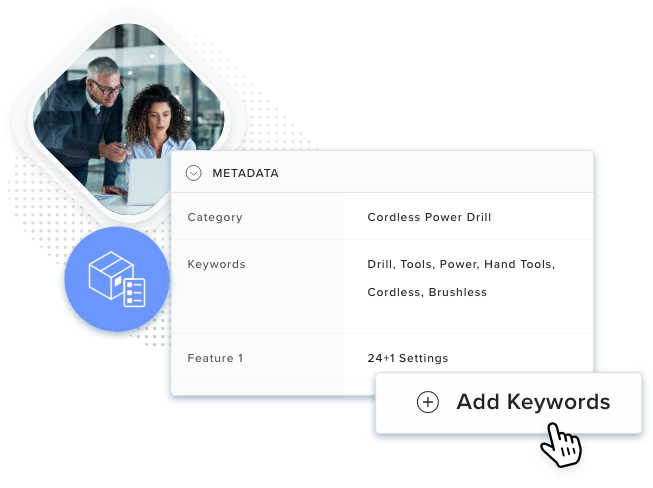
Catsy’s SEO tools help teams manage product keywords alongside catalog information.
Book a Demo