Managing Shopify group products across different countries sounds straightforward until you’re juggling five stores, three currencies, four languages, and two measurement systems.
Your team updates inventory in your US online store, but UK customers discover outdated stock levels on product pages. Descriptions get copy-pasted between stores, creating translation errors. Price adjustments happen manually, leading to margin inconsistencies. Global ecommerce reached $6.09 trillion in 2024, growing at 8.4 percent annually. Yet many merchants struggle with the operational complexity that international expansion demands.
1. The Multi-Country Challenge: Why Traditional Methods Fail
The typical scenario: Your team manages three stores — one for North America (USD), one for the UK (GBP), and one for Australia (AUD). Each morning starts with CSV exports, manual stock reconciliation, and adjusting quantity levels. A bestseller goes out of stock in the US while sitting in Australian inventory. Customers abandon carts before they complete purchases.
Traditional approaches fail because spreadsheets can’t enforce data governance across product type classifications, translation happens in disconnected tools without validation, users manually assign categories differently per store, and no single source of truth exists for product details or attributes.
Teams spend 15–20 hours weekly on manual updates instead of growth activities. This process absolutely kills productivity.
2. What PIM Software Does for Shopify Group Products
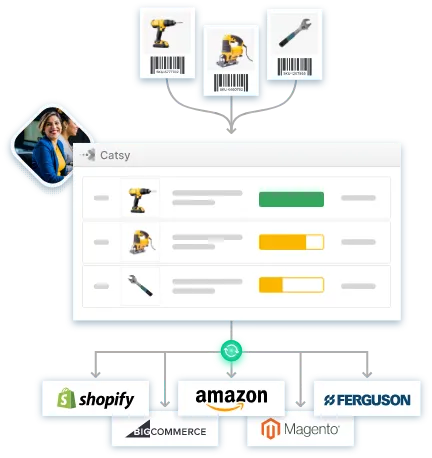
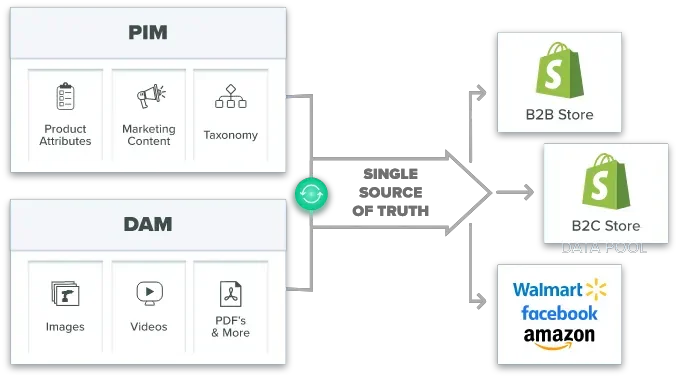
PIM software creates one authoritative database where all product information lives. When you update a single product listing once, changes cascade to all connected stores simultaneously.
Your workflow transforms from manual chaos to streamlined efficiency: update product in PIM with complete attributes, the system automatically creates variants based on Manufacturer SKU, automatic distribution to all stores with localized data, maintaining existing product images across all sales channels.
Intelligent Product Grouping
3. Solving Currency, Language, and Unit Challenges
Dynamic Currency Management: Static price conversion fails when exchange rates fluctuate. Modern PIM software for Shopify enables dynamic pricing rules that automatically adjust based on current conversion rates while maintaining target margins. Example workflow: Base price $49.99 USD, UK price auto-converts to GBP with 1.15x markup for VAT, AU price auto-converts to AUD with shipping adjustments.
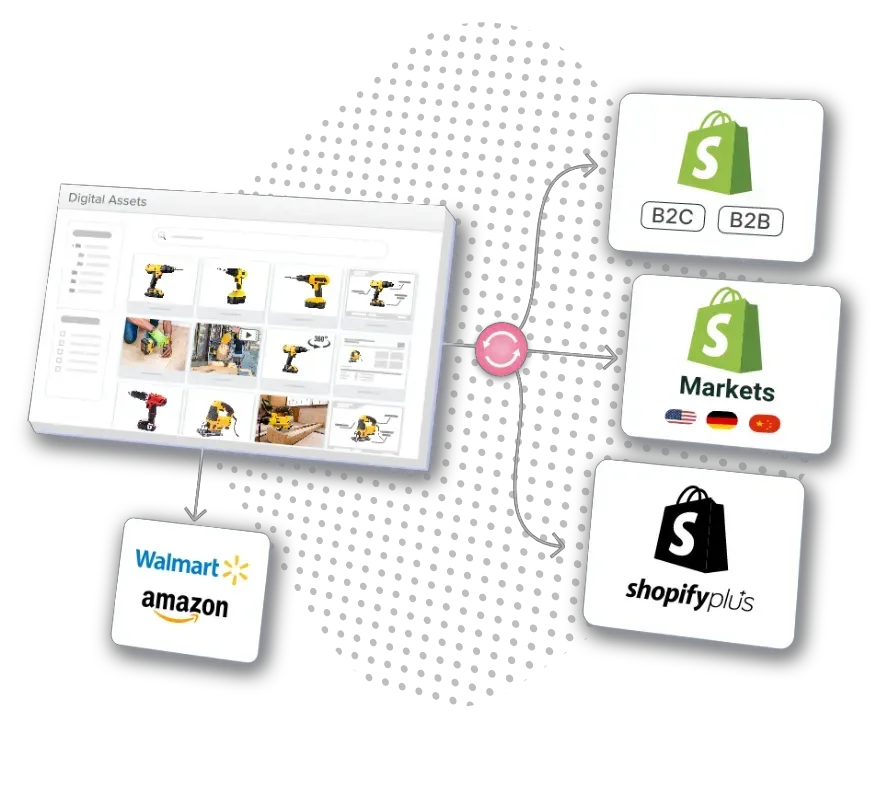
Localization at Scale: Translation means cultural adaptation. PIM systems store multiple language versions of product content in one place, maintain translation glossaries for brand consistency, adapt messaging for regional preferences, and manage region-specific product attributes.
Compliance and Regional Requirements: Different markets have different legal requirements for product information. The EU needs CE markings and specific allergen disclosures. California requires Prop 65 warnings. PIM provides centralized governance while allowing regional customization.
4. Implementation Strategy for Multi-Country Success
Start by mapping your existing data landscape: inventory sources, current Shopify store structure and themes, product attribute requirements by region, and existing product grouping logic.
Phase 1 – Foundation (Weeks 1–2): Complete PIM setup and Shopify integration. Import master product catalog with all variants. Configure data models, attributes, and default values. Test with 10–20 SKUs to validate the process.
Phase 2 – Core Products (Weeks 3–6): Migrate bestsellers and high-margin items. Implement automated collections. Configure product grouping logic using Manufacturer SKU. Set up advanced filtering options.
Phase 3 – Full Catalog (Weeks 7–12): Complete product migration for entire shop. Activate all regional stores with localized data. Enable AI-powered categorization features. Optimize based on performance data.
5. Measuring ROI and Long-Term Benefits
Track these KPIs using Shopify Analytics and PIM dashboards:
Grouping products together on Shopify can increase average order value. Grouped products can help reduce distribution costs by selling several products in one package. Shopify grouped products can foster customer loyalty by making it easy for customers to buy everything they need at once.